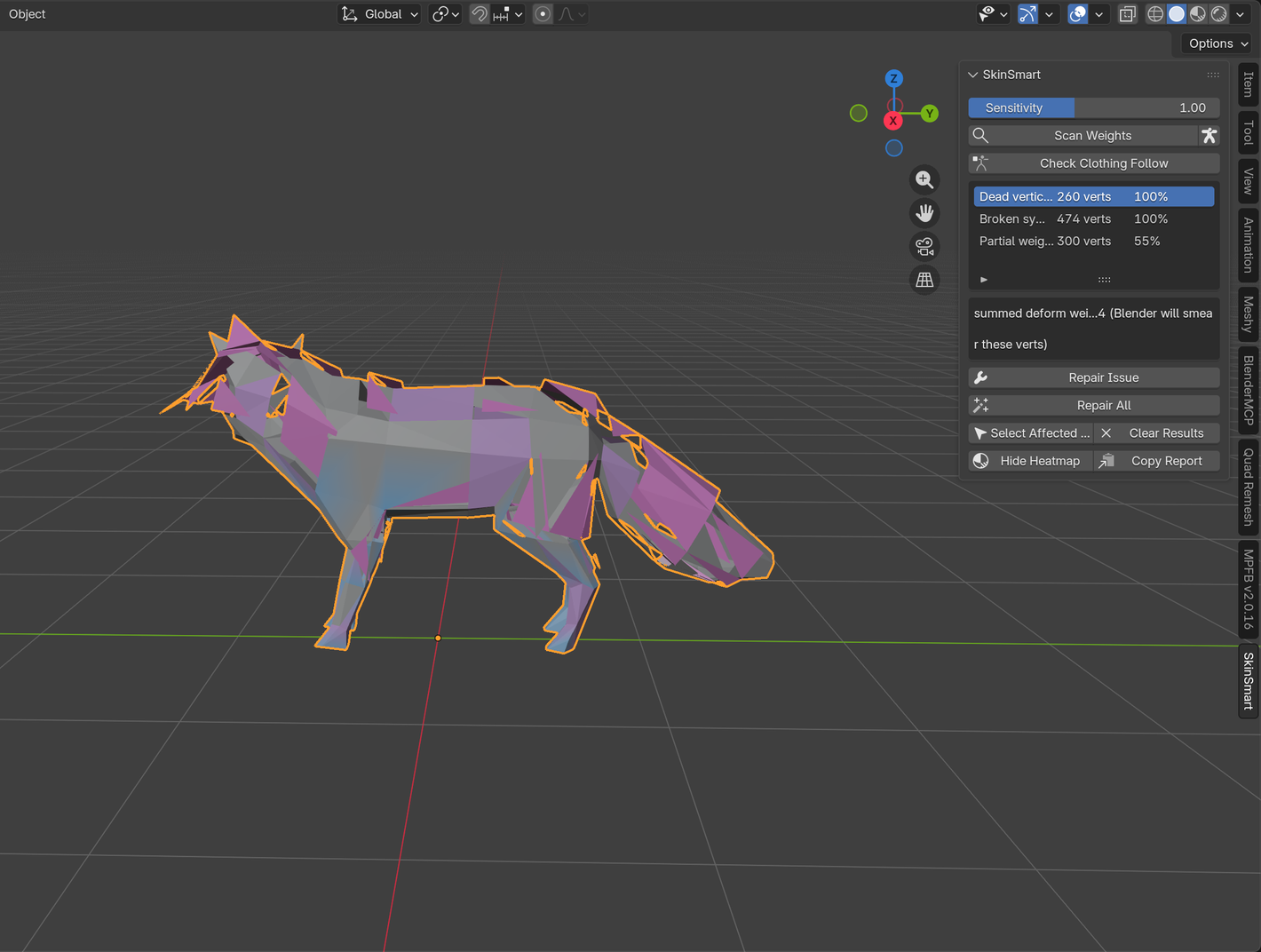
This failure is common on bat, dragon, bird, and glider membranes: the active bone's heatmap looks solid blue, but a few triangles still follow the bone in the failed pose. Painting blue again may appear to do nothing because the color ramp compresses tiny values near zero, and some brush settings do not remove the group assignment.
Keep the pose that exposes the pull. It is your regression test while you separate stored weights from envelope deformation and modifier-stack effects.
Read the moving vertex, not the color
-
Turn on zero-weight display
In the Weight Paint overlays, enable Show Zero Weights: Active. Blender shows truly unreferenced vertices in black; very low referenced weights remain in the blue end of the gradient.
-
Select one vertex that still moves
Enable vertex selection in Weight Paint Mode, or switch to Edit Mode. Open the 3D Viewport Sidebar's Vertex Weights panel and read every group on that exact vertex. Look for a tiny value on the posed bone or any nearby hand, arm, wing, or control bone.
-
Remove the wrong group assignment directly
For a confirmed stray influence, remove the selected vertex from that group or use Weights → Clean on a tightly selected membrane region with a deliberately small limit. Do not clean the whole wing with a large threshold; legitimate gradients at the finger and root joints can also be small.
With the Mix blend mode, Blender's manual notes that a brush weight of 0 can do nothing. Use a subtracting/removal workflow or delete the exact group row when the goal is to remove an influence.
Check whether the Armature modifier also uses envelopes
Select the membrane object and inspect its Armature modifier. Vertex Groups should be enabled. If Bone Envelopes is also enabled, nearby bones can deform vertices through their envelope radius even when the corresponding vertex-group weight is absent.
Disable Bone Envelopes on a copy and retest the same pose. If the pull disappears, the heatmap was telling the truth: the motion did not come from the active vertex group. Keep envelopes disabled unless the rig intentionally depends on them.
Verify Armature and Cloth order
Blender evaluates modifiers from top to bottom, and Cloth uses the shape it receives at its position in that stack. For a membrane that should simulate after it follows the posed skeleton, test Armature before Cloth. A Cloth-before-Armature stack can make a simulation or cached shape look like residual bone influence even after the stored weights are corrected.
Changing the stack changes the evaluated input, so clear the cloth cache and run the failed frame range again. Do not treat a stale bake as proof that the weight edit failed.
Verify the smallest repair
-
Pose only the suspected bone
Use the same frame and rotation that exposed the pull. Confirm that the selected membrane vertex no longer follows it.
-
Inspect the neighboring deform groups
Make sure the vertex still has the intended wing-finger or root influence. Removing a stray group should not leave the membrane unassigned or break its local gradient.
-
Run the full wing fold
Test open, half-folded, and closed poses, then replay the cloth range if the membrane simulates. A useful fix removes the wrong pull without creating a new hard seam or collapse.
Know when this is not a weight repair
If the exact vertex has no wrong group, Bone Envelopes are off, and changing the modifier order or cache changes the failure, the remaining problem may be Cloth settings, constraints, drivers, or another modifier. Those are not evidence of bad vertex weights.
The free SkinSmart analyzer reads armature vertex-group relationships. It does not diagnose Cloth simulation, constraints, drivers, or Geometry Nodes, and it does not guarantee that an arbitrary production rig can be repaired.
Download the free analyzerReferences
- Blender Manual: Weight Paint introduction, including the blue-to-red weight scale and black display for unreferenced vertices.
- Blender Manual: Vertex Weights, for the exact group values on the active vertex.
- Blender Manual: Clean, for removing selected low weights with a controlled threshold.
- Blender Manual: Armature Modifier, for Vertex Groups and Bone Envelopes.
- Blender Manual: Cloth, for modifier-stack interaction and cache behavior.
- Public troubleshooting case: a wing membrane still moved despite looking blue; the resolution involved stray weights and Armature/Cloth order.