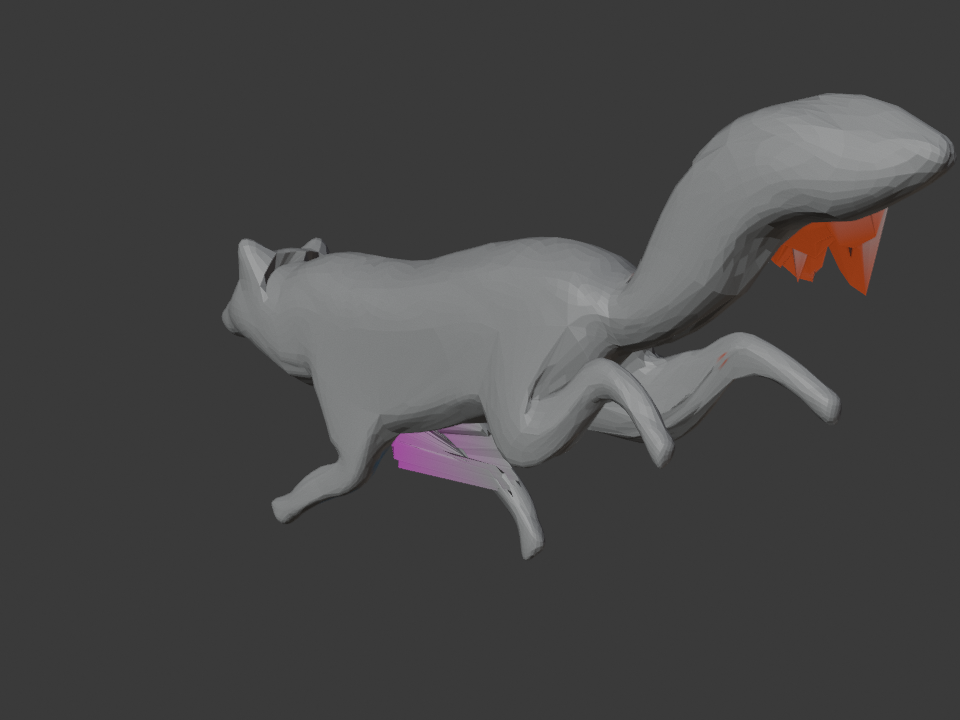
Automatic Weights is a starting calculation, not a verdict on your mesh. When the result breaks, do not immediately smooth everything or bind again. First decide whether Blender is ignoring valid weights, assigning no useful weights, or assigning the wrong bone to the wrong vertices.
That distinction saves work. A modifier mask cannot be fixed with a brush. A stray leg-bone weight on the belly should be removed, not blurred into its neighbors. A wide, rubbery joint needs a narrower transition, not another whole-character solve.
Read the failure by symptom
Why Automatic Weights can be wrong
Blender's Armature Deform parenting documentation describes Automatic Weights as a distance-based bone heat calculation. It also warns that complex armatures and child objects can create overlapping influence decisions, which show up later as unexpected deformation in Pose Mode.
This explains a common result: the bind completes without an error, every expected vertex group exists, and the posed mesh is still wrong. Success means Blender produced weights. It does not mean those weights match the intended anatomy.
Treat the first bad pose as evidence. Classify it before touching a weight tool.
A diagnostic sequence that preserves your work
-
Save a copy and make the failure repeatable
Duplicate the file or the skinned mesh before any global weight operation. Put the armature in the pose that exposes the problem, record the frame, and capture a viewport image. Return to the same pose after every edit.
-
Rule out rig setup before painting
Check the following in order:
- The mesh has an Armature modifier pointing to the intended armature.
- Vertex Groups is enabled in that modifier. Blender's Armature modifier documentation explains that matching bone and vertex-group names drive this deformation mode.
- The modifier's Vertex Group mask is empty unless you deliberately want only that group to receive the modifier. An accidental mask can make correctly painted vertices look frozen.
- Every bone that should move geometry has Deform enabled. Blender states that disabling it mutes the bone's influence and excludes it from Automatic Weights.
- Any second Armature modifier and the modifier order are intentional. Multiple armatures can be valid, but an unintended second deformation pass changes the diagnosis.
-
Interrogate one wrong vertex
Select a vertex at the most visible failure. Blender's Vertex Weights panel in the 3D Viewport sidebar lists every group and weight on that vertex in Edit Mode, or in Weight Paint Mode with vertex selection enabled.
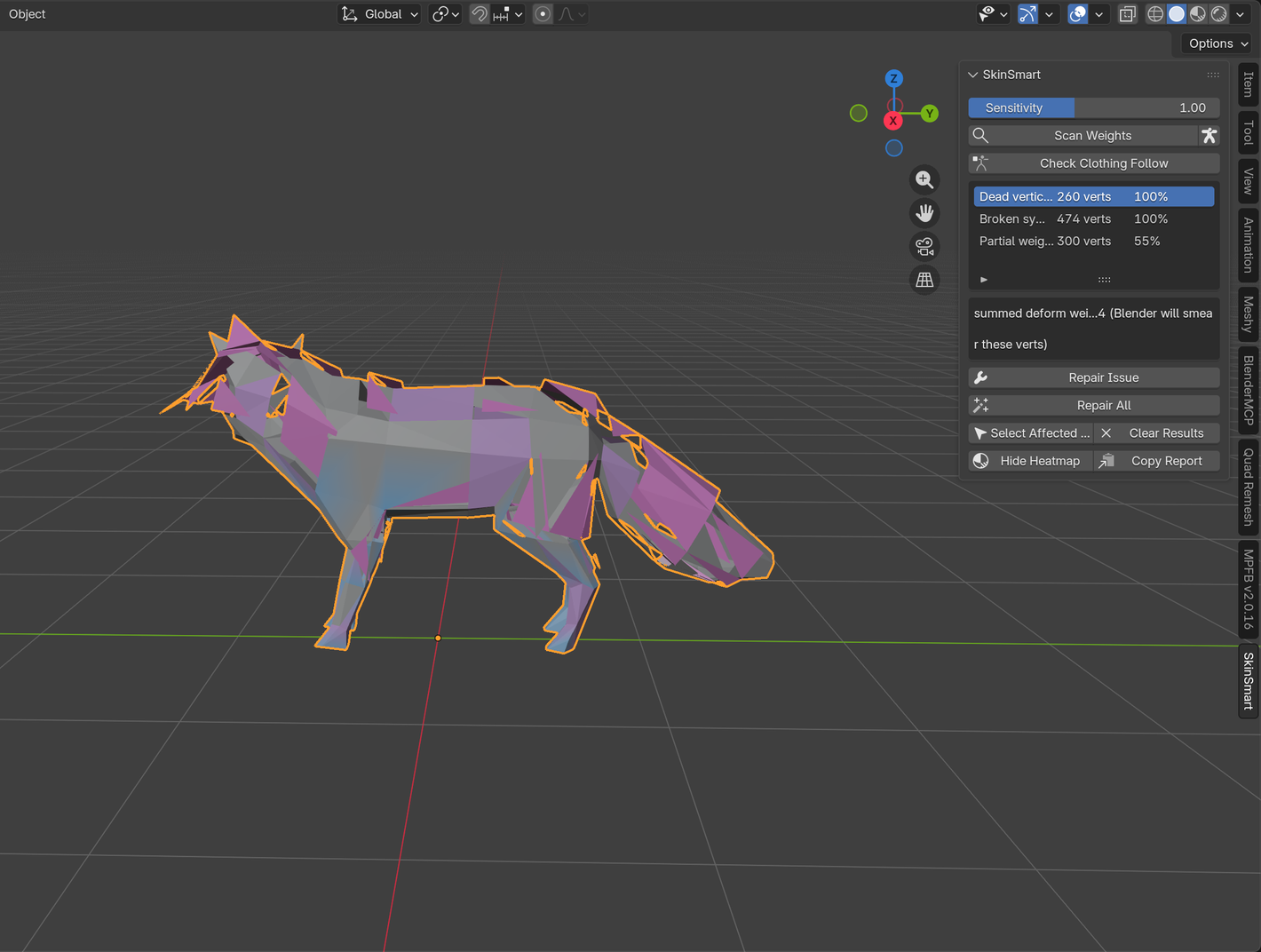
If the vertex has no deform group, you found a dead vertex. If the belly vertex has a foot or tail group, you found wrong-bone influence. If its groups are locally plausible, compare the same vertex with its neighbors and its mirror partner.
-
Use the narrowest tool that matches the evidence
- Remove the wrong group from selected vertices when you can name the offending bone.
- Normalize All makes deform-group weights sum to one, except locked groups. It does not repair a bad distribution. Blender's normalized weight workflow notes that the Armature modifier already interprets deform weights relatively, so normalization alone may not change the animation.
- Clean removes weights below a threshold. Use it on a selected region and keep a copy. A global clean can remove weak weights that were forming an intentional transition.
- Limit Total removes the lowest weights until each vertex meets the chosen cap. That is useful for export constraints, but it is not a general cure for a bad joint.
- Smooth averages selected weights from connected neighbors. The Weight Paint tool reference warns that higher iterations can introduce unwanted artifacts in fine details. Select the joint band instead of smoothing the whole character.
-
Retest the pose, its neighbors, and the rest position
A fix can improve the frame in front of you while damaging another part of the motion. Scrub through the animation, test both directions of the joint, and inspect the border between edited and untouched vertices. Check the opposite side only when the mesh and bone naming are genuinely mirrored.
What each failure calls for
The mesh barely follows the rig
Start with setup. A bone with Deform disabled can carry a same-named painted group that does nothing. An Armature modifier mask can exclude most of a mesh while the visible weights look reasonable. Only after those checks should you repair unassigned vertices.
A remote patch moves with the wrong bone
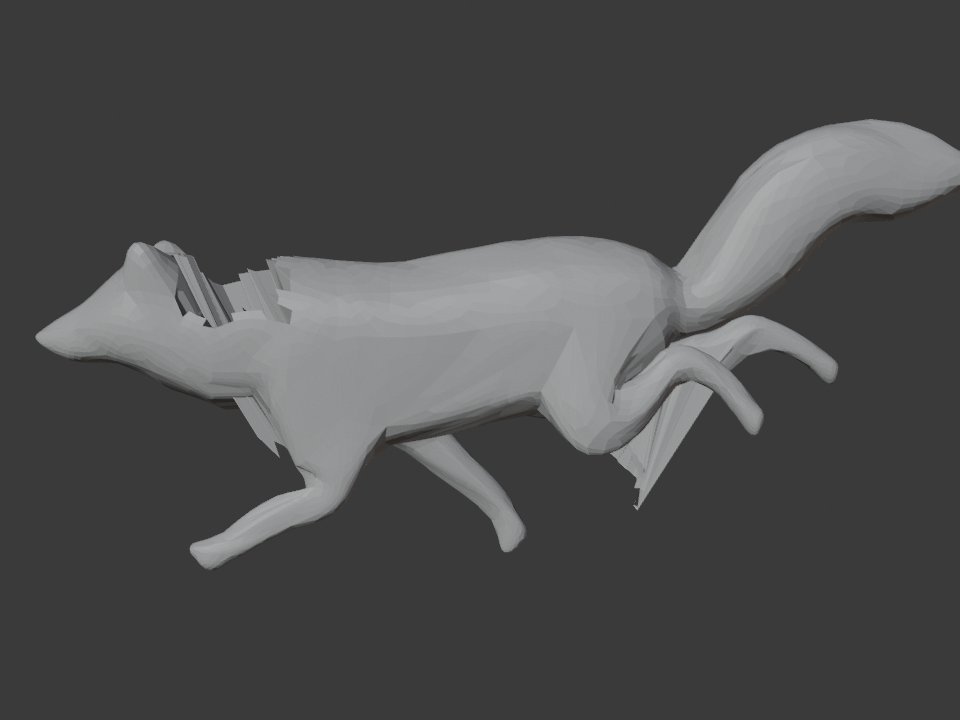
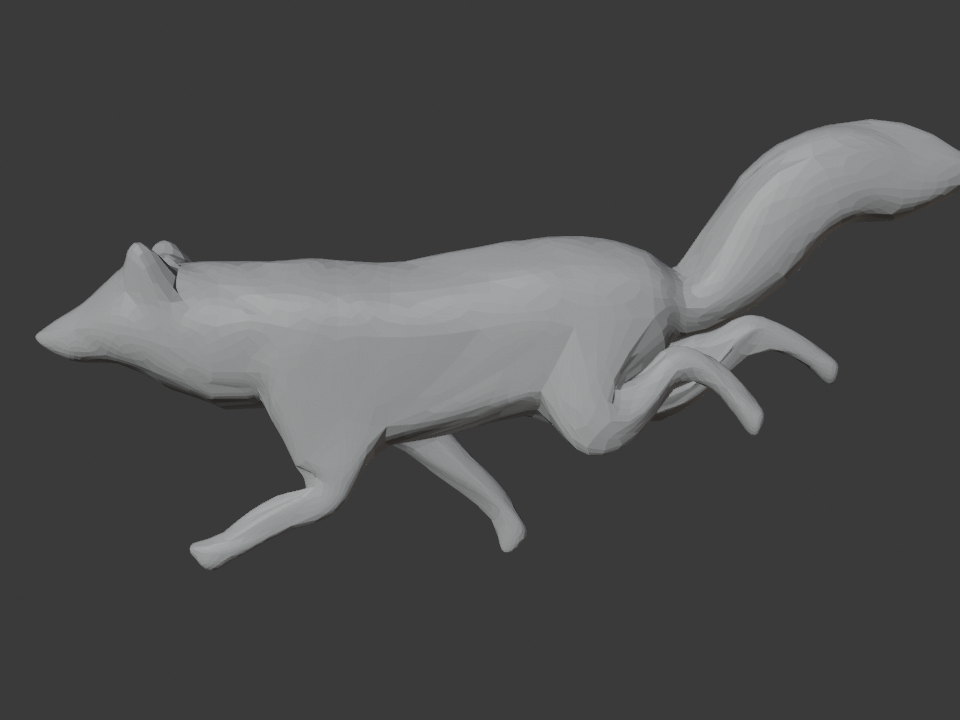
This is usually a membership problem, not a smoothness problem. Follow the wrong-bone weight-paint check to identify the unrelated group and affected vertices before removing anything. Smoothing first can spread the mistake across more connected vertices.
The joint is mushy or collapses
Compare the parent and child bone groups around the joint. A broad field of middling weights often reads as rubber. An abrupt one-bone-to-another handoff often reads as a crease. Adjust only the transition band and test it under the pose. If the mesh lacks enough edge loops to describe the bend, weights alone cannot invent the missing deformation geometry.
One side differs
Blender supports mirroring vertex groups and weights for symmetric meshes and armatures, but first confirm that the mesh really has a mirror partner and that the left-right bone groups pair correctly. Deliberate asymmetry should stay deliberate.
Rebind only when you mean to replace the weights
Running Parent With Automatic Weights again feels like a reset button. It is a destructive one. Blender's parenting documentation states that Automatic and Envelope Weights can completely override existing same-named vertex groups.
Duplicate the mesh or save a new file version. A full rebind is appropriate when the skeleton or bind setup changed. It is excessive when one tail bone owns a patch of the back.
What SkinSmart's own validation found
SkinSmart sampled 200 recent weight-paint help threads in July 2026. Ninety-eight described a visible deformation failure. Every one of those 98 fit four symptom classes: dead vertices, wrong-bone influence, a bad joint transition, or broken symmetry.
That result is useful, but it has a boundary. Roughly one in four sampled posts were painting-interface or workflow questions, not damaged weight data. A scanner cannot solve a hidden brush setting, an IK problem, or a question about how to paint from scratch.
The internal wild-file pass found the same limit. The scanner reproduced several poster-described causes, including a modifier mask and non-Deform bones. It also missed one adjacent-bone proportion problem because the weights were locally plausible and the complaint depended on the artist's intended silhouette. SkinSmart deliberately holds that detector back instead of flagging healthy rigs.
Blender references
- Armature Deform Parent: what Automatic Weights calculates, why complex overlaps can fail, and what rebinding overwrites.
- Bone Deform properties: how the Deform switch affects geometry and Automatic Weights.
- Armature Modifier: vertex-group deformation, masks, envelopes, and multiple modifiers.
- Vertex Weights: how to inspect and edit every influence on one vertex.
- Normalized Weight Workflow: what Blender normalizes during deformation and what Auto Normalize maintains while painting.
- Editing Weight Paint: the exact behavior of Normalize All, Clean, Smooth, Transfer Weights, and Limit Total.